Release Information
CMAS 2019R2
1. Ansys2019R2 support
Multiscale.Sim now supports Ansys Workbench 2019R2 and Ansys Mechanical 2019R2. Please note that the operation procedure has slightly changed due to changes in Ansys 2019R2 Workbench and Mechanical GUI.
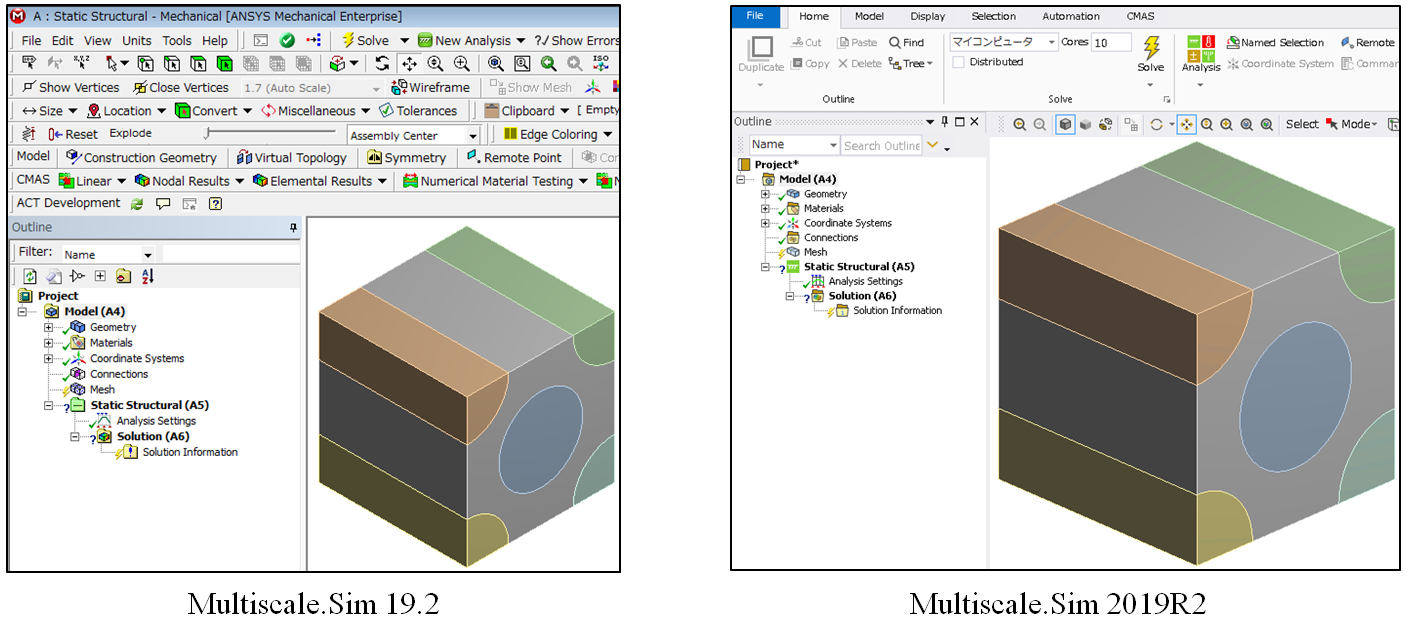
Figure 1. Old & new versions of Multiscale.Sim GUI menu.
2. Template to create microstructure
There are some improvements and new function for filler dispersed composite and short fiber dispersed composite models (hereinafter called dispersed model).
2.1 New model
2.1.1 Aggregated model
Aggregation factor now can be specified for dispersed model. Aggregation state was not considered in the old version because each particle was arranged randomly. In this version, we can specify degree of aggregation (refer figure below).
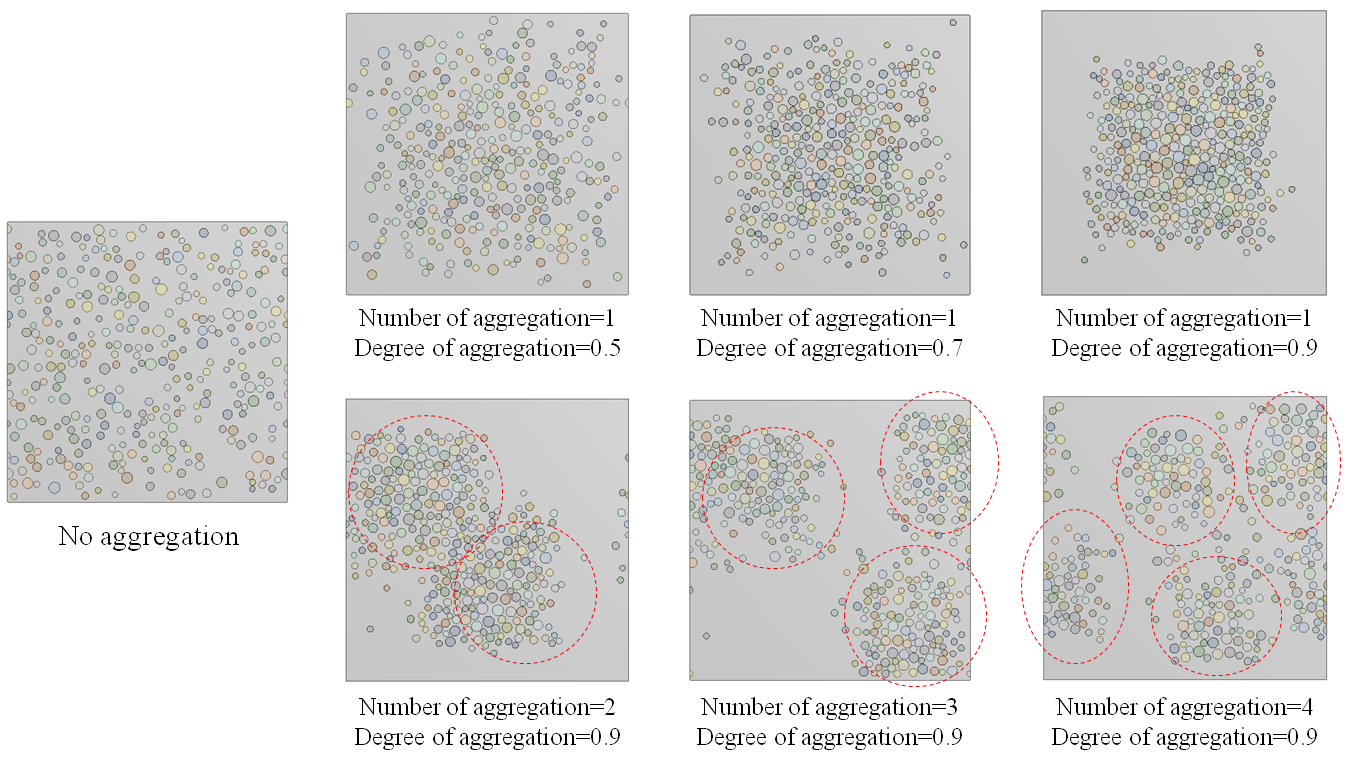
Figure 2. Comparison of overview of micro models created based on difference aggregation factors.
2.1.2 Circle dispersed model
A model with many circles distributed in a rectangular region can now be created. Please note that homogenization analysis does not support two dimensional models. It will be used for general Ansys analysis.
2.1.3 Closest packing model
A model in which spherical particles are packed to the limit of the unit cell can now be created.
2.2. Improvements
2.2.1. Performance
2.2.1.1. Support for parallel computing
New version supports parallel computing for creating micro model which previously took a long time. Dispersed model creation is now expected to be much faster as shown in figures below.
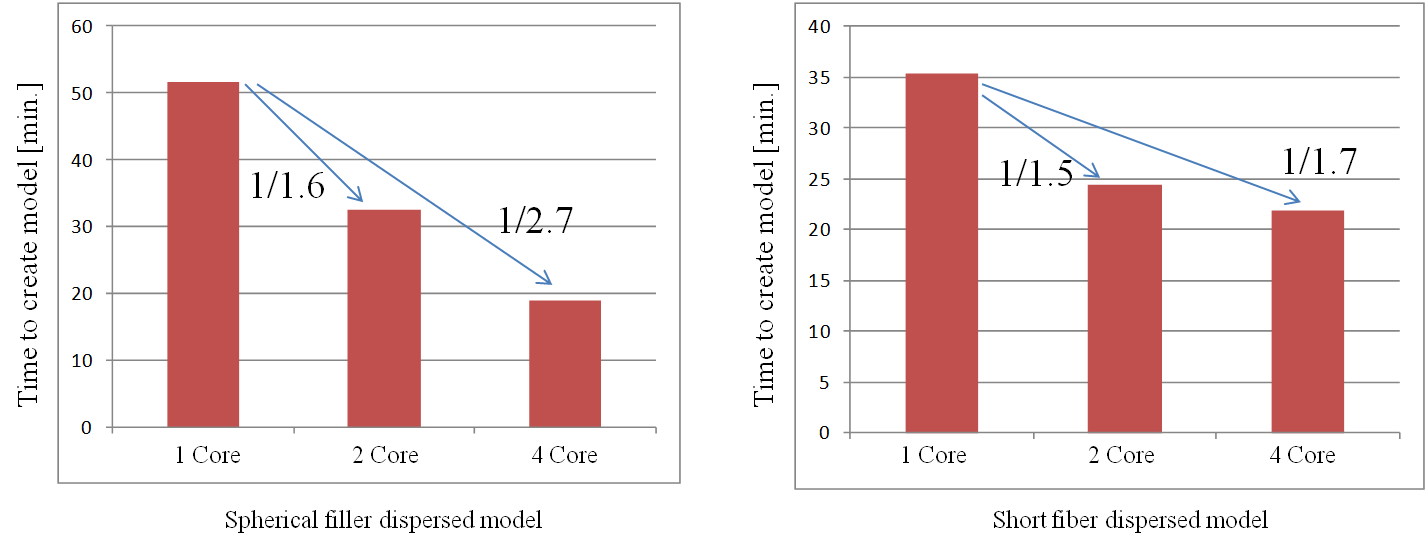
Figure 3. Sample comparison of time taken to create microstructural model between old and new versions.
2.2.1.2. Improvement in packing algorithm
Packing algorithm for dispersed model has been improved drastically. We can create a complex model in a short time in addition to parallel computing. We can also achieve a higher volume fraction of filler because number of iterations can be increased.
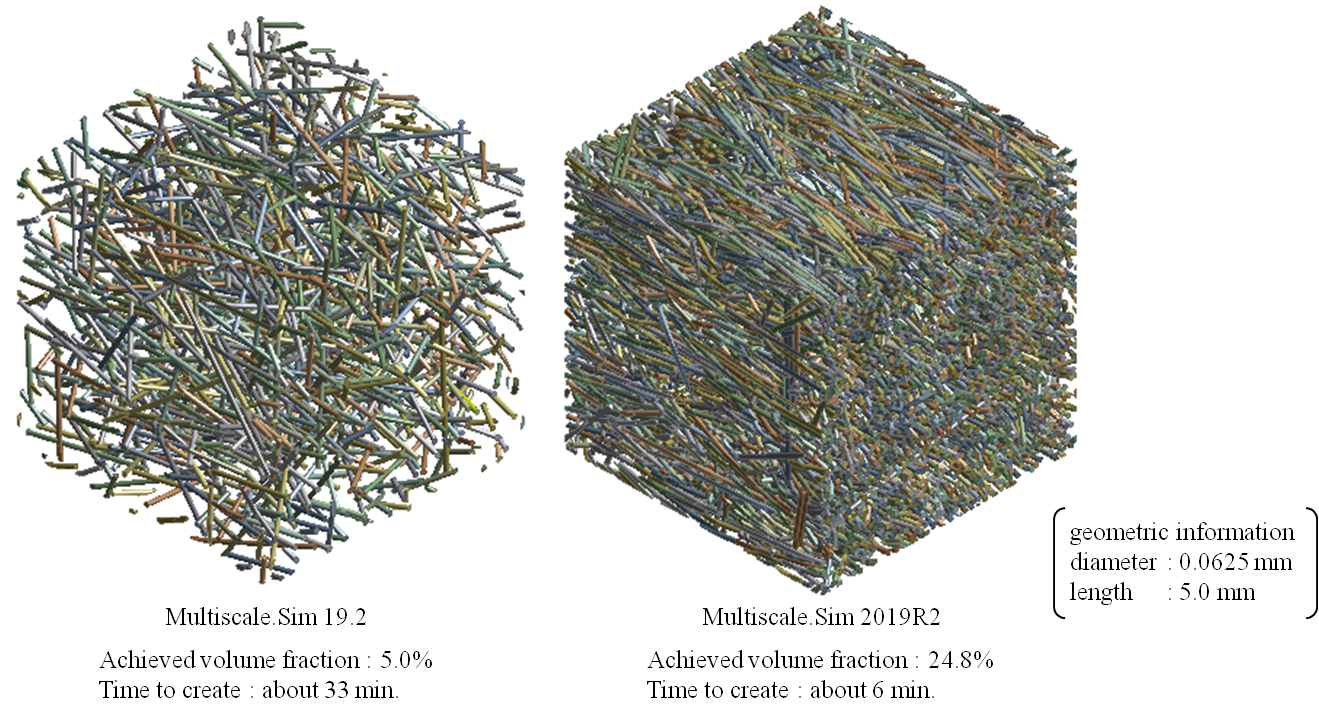
Figure 4. Sample comparison of achieved volume fraction of fiber between old and new version (parallel computing option has been set to off in the case of new version). 2.2.2. Random seed
2.2.2. Random seed
Value of random seed can now be specified in the case of dispersed model creation. The same model can be created each time by deliberately specifying the same random seed value. We need to turn off parallel computing option when creating the same micro model.
2.2.3. A robust model for meshing
The particle dispersion model no longer creates extremely small areas on the exterior surface. Meshing operation will be more stable and successful as a result of this improvement.
2.2.4. Model extraction during production process
In the case of a dispersed model, sometimes it could take a very long time to create the model, and it would fall into an infinite loop depending on geometric conditions. New version allows to create the model during production process by stopping the program. At this point, overlapped region is maintained in the case of filler dispersed model and deleted in the case of short fiber dispersed model.
This model does not exactly match with geometrical parameter you specified. However, you can get a rough estimate of equivalent material constants or review the correction policy based on this information.
3. Hyper elastic homogenization for Workbench GUI
Nonlinear homogenization has now been implemented in the Workbench environment. We can get macro scopic stress strain curve for any kind of deformation mode considering hyper elastic effect. Moreover, material constants for anisotropic hyper elasticity can be identified by curve fitting its response.
関連情報
関連する解析事例
MORE

関連する資料ダウンロード
MORE-
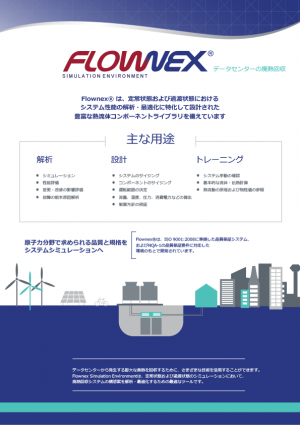
データセンターの廃熱回収を最適化する熱流体シミュレーション
廃熱を有効活用するために。配管・冷却・熱回収システムを解析から最適化
-
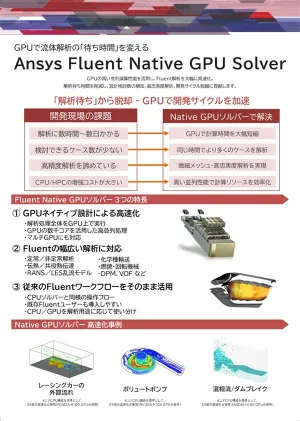
Ansys Fluent Native GPU Solverで流体解析を高速化|解析待ち時間を短縮
GPUで流体解析の「待ち時間」を変える
-
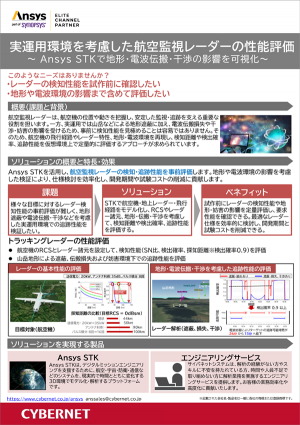
実運用環境を考慮した航空監視レーダーの性能評価
~ Ansys STKで地形・電波伝搬・干渉の影響を可視化~
-
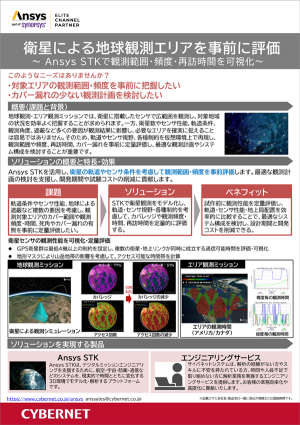
衛星による地球観測エリアを事前に評価
~ Ansys STKで観測範囲・頻度・再訪時間を可視化~
-
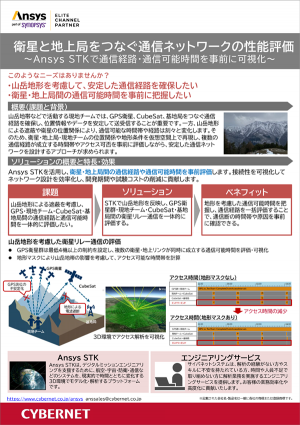
衛星と地上局をつなぐ通信ネットワークの性能評価
~Ansys STKで通信経路・通信可能時間を事前に可視化~
-
【全記事】CAEのあるものづくり vol.43
ユーザー様インタビュー記事8件を1冊に集約した保存版
-
【カタログ】3Dデザインソリューション
-

設計者CAEを”使われる仕組み”にするには?
アルパイン設計事務所様に学ぶ、Ansys Discovery 定着の実践事例